Get on board with contactless
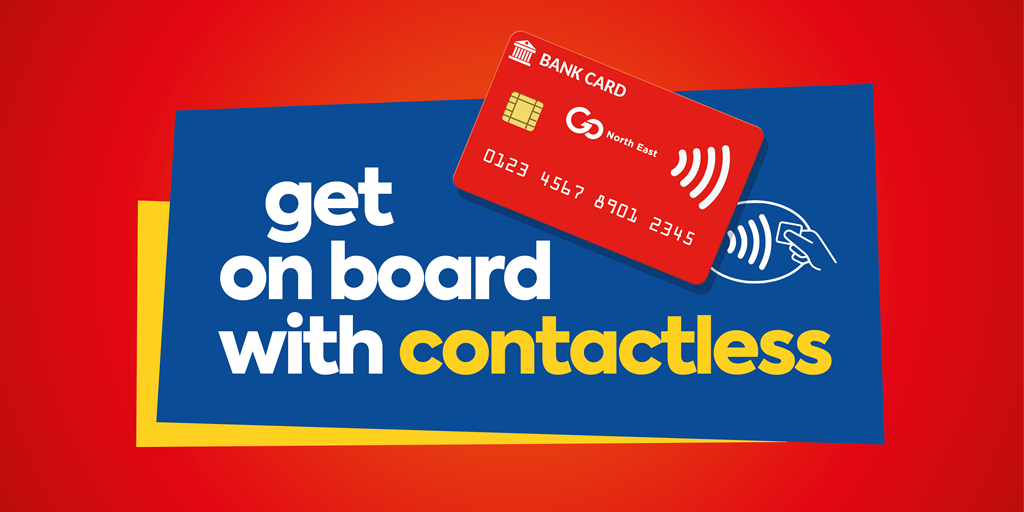
Here's how to use contactless:
- Tell the driver you want to pay with contactless and ask for a ticket - any ticket up to the value of £30 can be purchased
- Place your contactless card/device over the card reader when prompted by the driver
- Wait for your ticket to be printed
- That's it! Your ticket is also your receipt.
Contactless FAQs
Where do I scan my card/device?
Simply place your contactless card/device over the card reader when prompted by the driver.
Why should I use contactless?
Contactless is a quick, easy and secure way to pay for any ticket up to the value of £30 when using our bus services, meaning you don't need to carry cash to use the bus.
Pay with contactless by placing your contactless card, iPhone or Android phone on the reader of the ticket machine.
What tickets can I buy using contactless?
Contactless can be used to purchase any ticket up to the value of £30 on our services - this includes singles and returns, day tickets, and weekly tickets.
If you would like to buy monthly tickets you'll need use our mobile app or buy online.
Can I top up my key card using contactless?
Yes, if you have a Key smartcard you can top it up using contactless - just tell the driver you want to top up your card using contactless and follow their instructions. You can also top up your Key smartcard by calling our Customer Service team on 0191 420 5050 (Monday to Friday, 9am-5pm).
How do I know if my card has contactless?
Look for the contactless symbol on your debit or credit card. Most new cards will come with this facility available but if you’re unsure, check with your bank or card issuer.
Which contactless cards can I use?
Any contactless enabled card, iPhone (via Apple Pay) or Android phone (via Android Pay) can be used except cards issued by American Express.
Can I use Apple Pay, Google Pay or Android Pay on my mobile to buy bus tickets?
Yes, we accept Apple Pay, Google Pay and Android Pay mobile payments as well as contactless enabled wearables such as wristbands and watches.
Is there a limit to how much I can spend on board with contactless?
On board our buses our contactless spend limit is £30. If you would like to buy more than one ticket at a time and the total is over £30 you’ll need to pay for each ticket individually.
Will I get a receipt or ticket if I pay with contactless?
Yes, the ticket produced will act as your receipt.
Is my contactless payment safe?
Our systems and equipment are tested and certified to comply with all payment card scheme data security standards. Contactless payment cards are safe and secure, and have the same level of protection as Chip & PIN payments, so you can feel confident when using one to pay for your travel.
We regularly check with card issuers to make sure that your card hasn’t been reported as lost or stolen. If it has, you’re protected against fraud loss as long as you report it to your bank or issuer as soon as possible.
What if my payment does not work?
There are a few reasons why a card may not work when presented for travel; if this happens your driver will ask you to try another card, or to pay using cash or another form of payment such as the mobile app.
I have bought the wrong ticket - can I get a refund?
Our drivers cannot offer refunds for contactless payments that have been completed on board the bus. If you have purchased the wrong ticket, you will need to purchase the correct ticket for your journey and then contact our Customer Services team after your journey.
What if I don’t have enough money on my card to cover my bus fare?
Buying tickets on the bus using contactless is the same as buying things in a shop. Your bank may allow you to purchase the ticket, however this could result in your going overdrawn and incurring bank charges. For more information, please check with your bank. If the payment is accepted on bus this will be taken from your bank account regardless.
Who should I contact if there is a problem with my payment?
If you think your card should have been accepted for travel and it was refused you will need to contact your bank or payment card issuer.